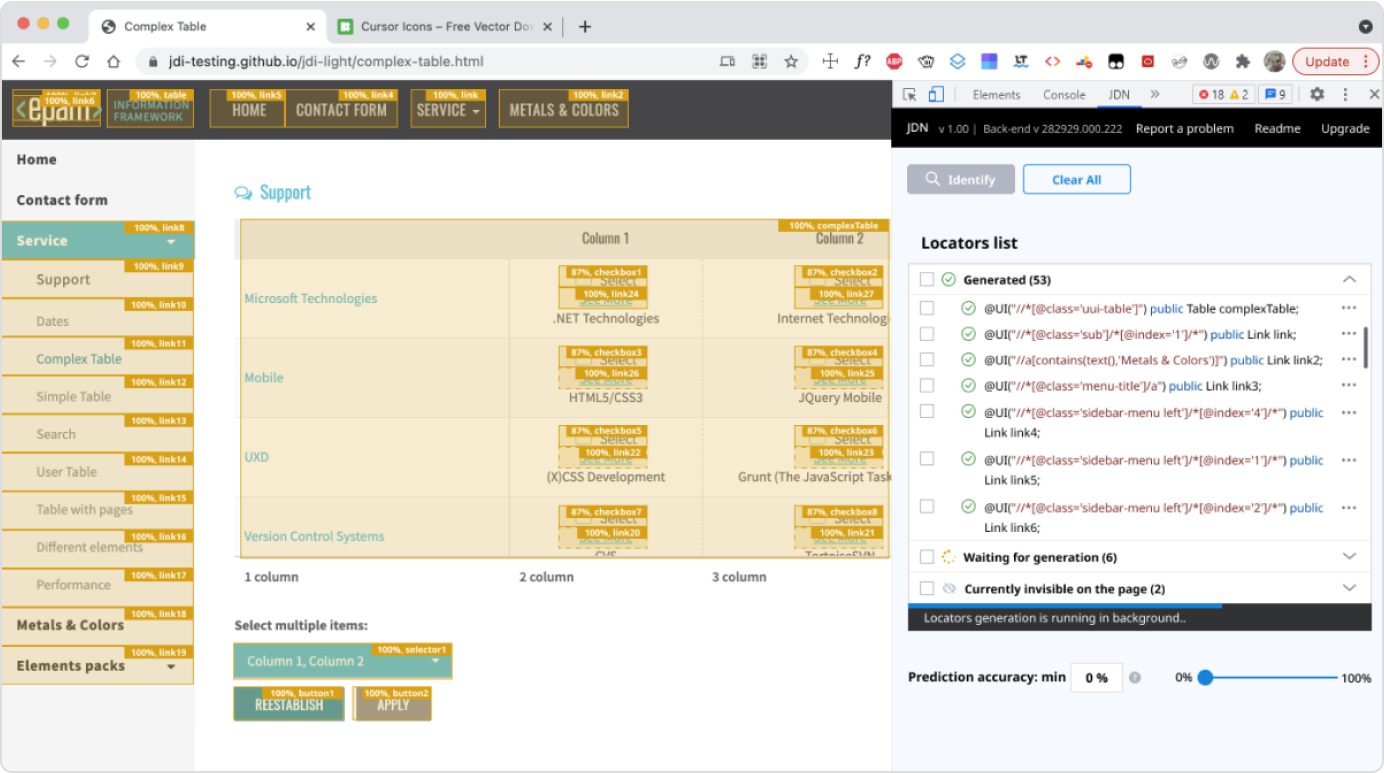
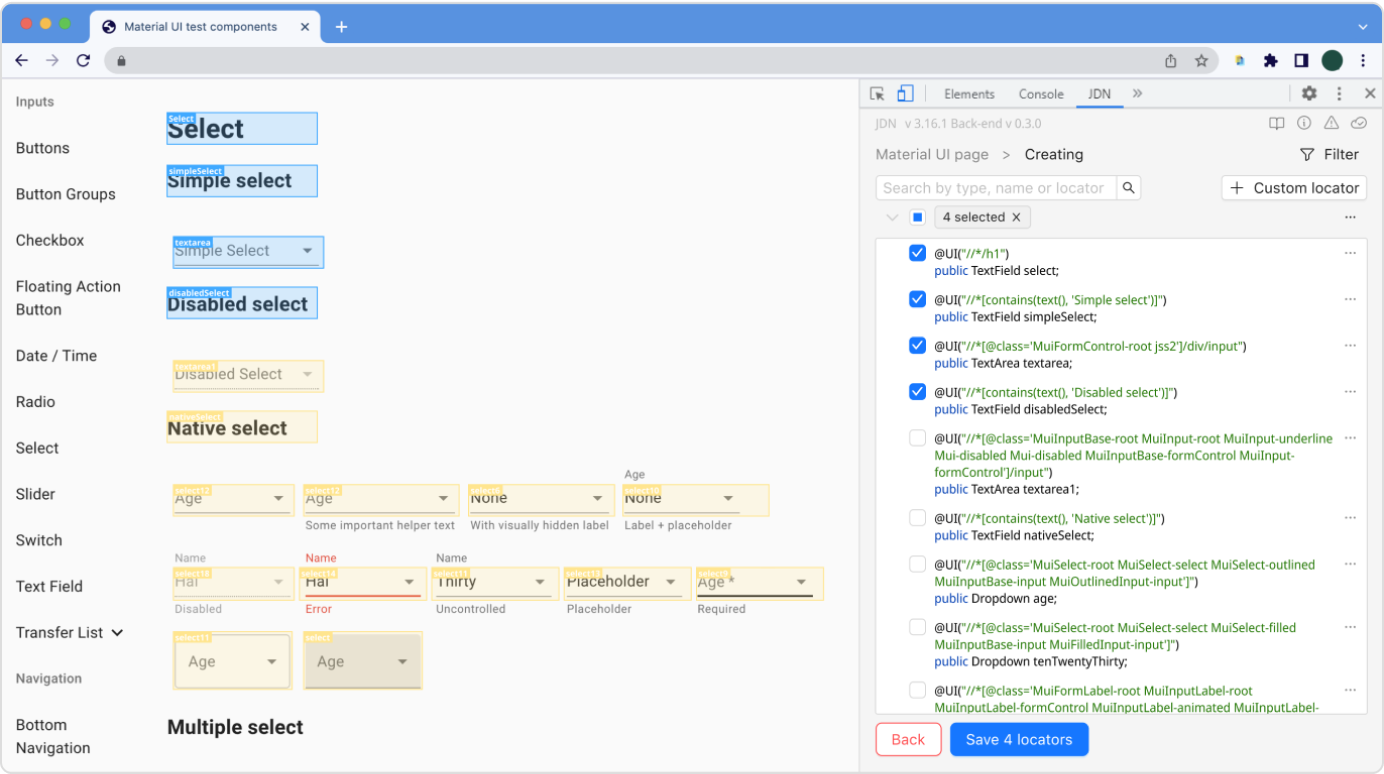
JDN — Test Automation Plugin
The JDN (Just Do Nothing) plugin is a Google Chrome extension used by 90+ test automation engineers across two EPAM projects, simplifying the creation of Page Objects for their test automation frameworks.
- Available on Chrome Web Store
- Internal B2B QA tool for automation engineers
- Time to create test objects reduced by 60%, with 100+ active users
 Chrome Web Store
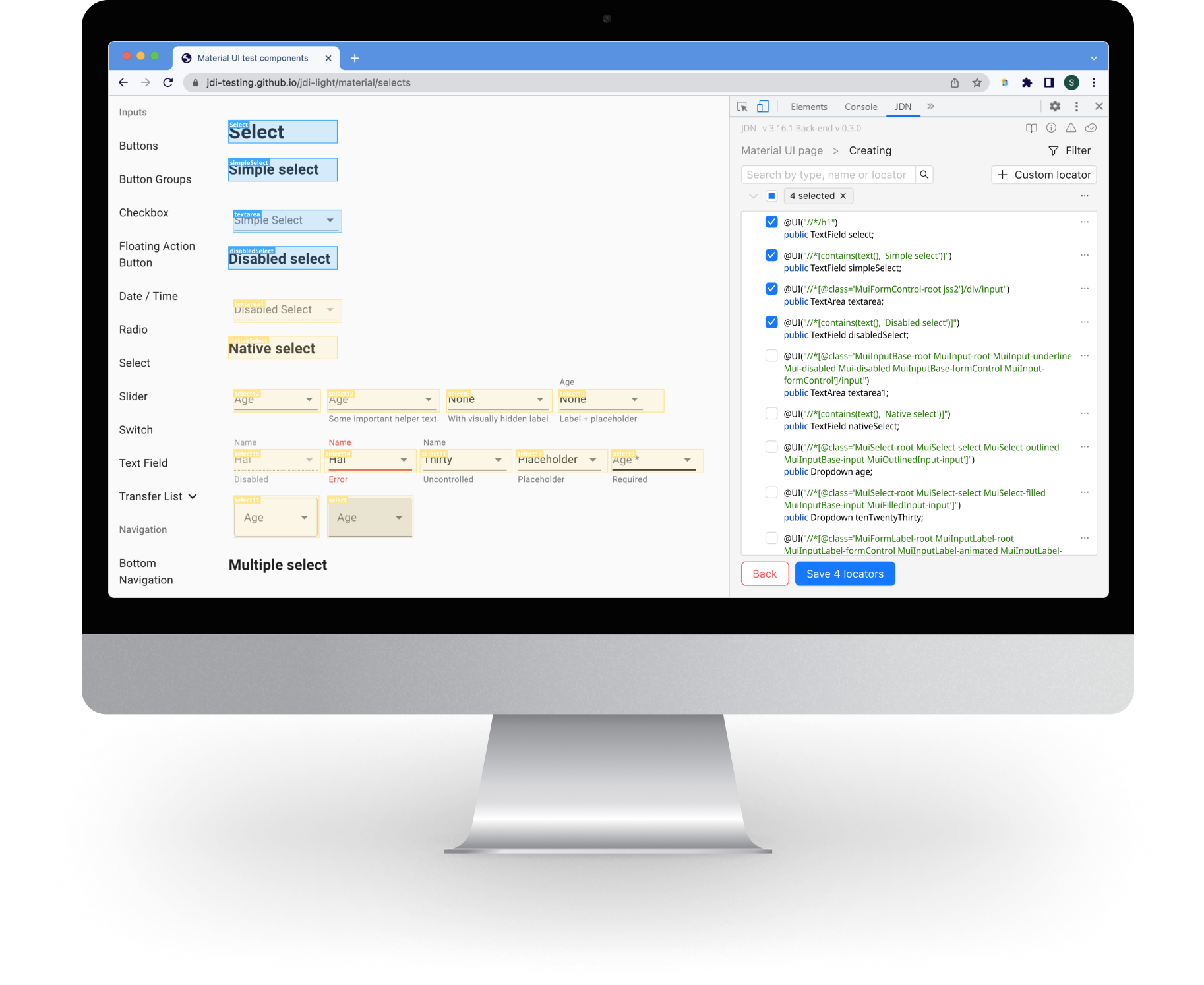
Problem
QA engineers and developers spent too much time creating page object models for test automation manually. The old extension had poor UX, unclear navigation and lacked structure for frequent use.
Goal
- Redesign the extension so testers can generate page objects faster — without writing code
- Continuously ship new features and improvements to meet the frequently changing needs of users
What I Did
- Conducted in-depth interviews with the target audience, gathering valuable insights and feedback
- Created user personas and scenarios based on QA workflows
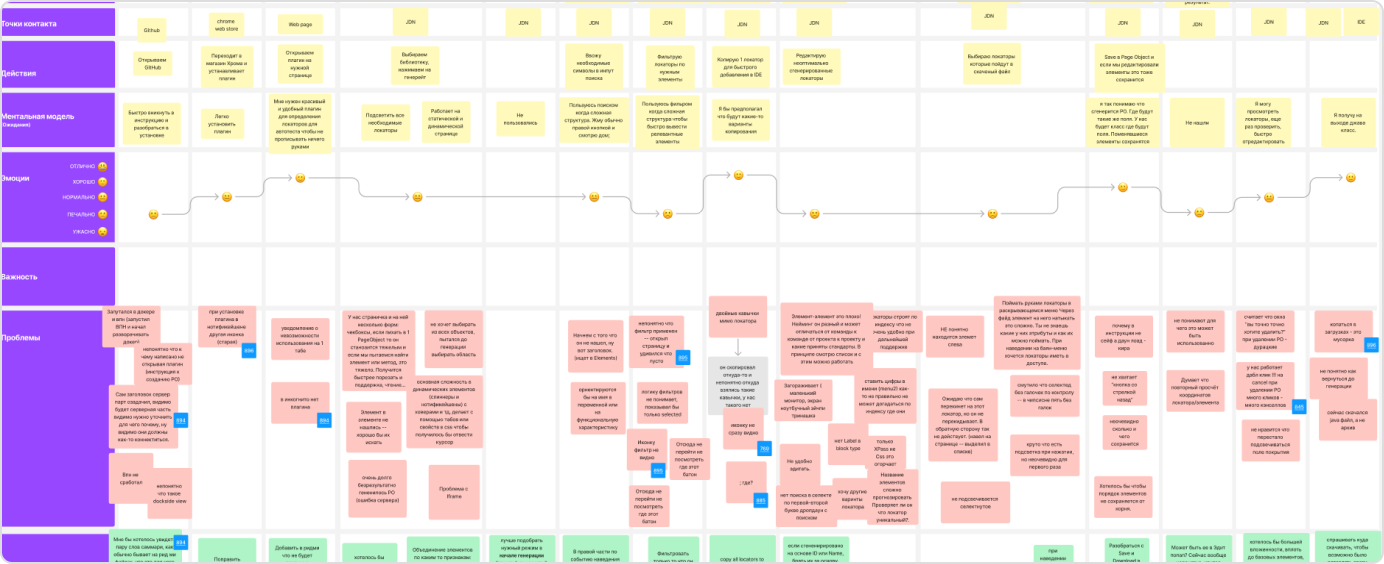
- Mapped out the full user journey for the “Generate page object” flow
- Formulated problem statements based on the identified user needs and pain points
- Prioritized clarity and speed in navigation and actions
- Worked on diagramming and information architecture to create an intuitive user experience
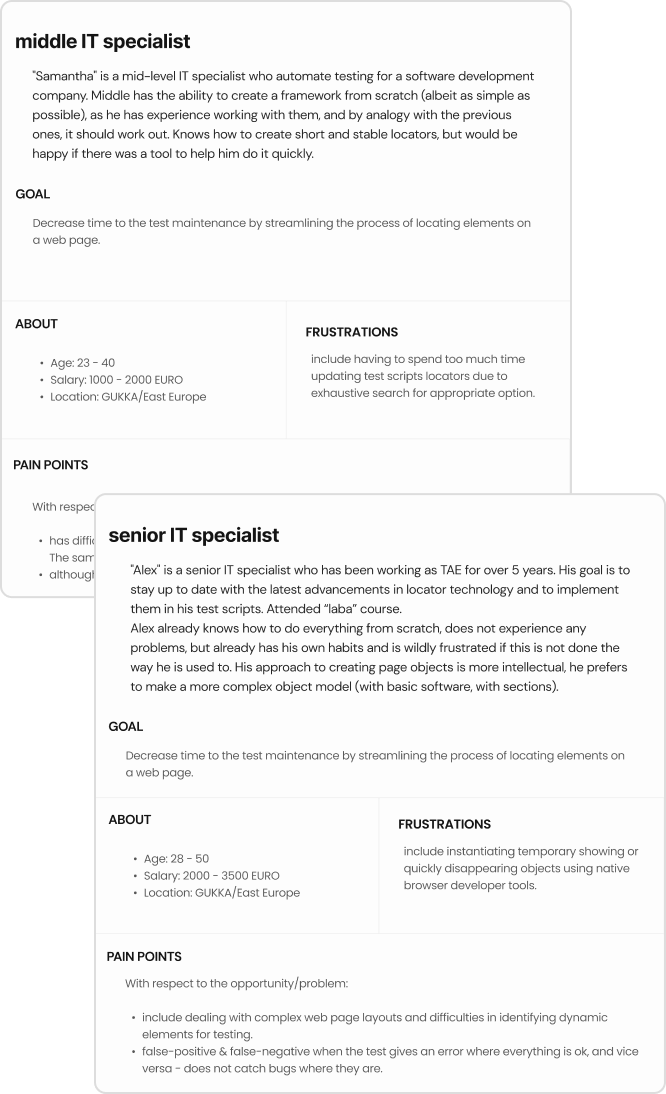
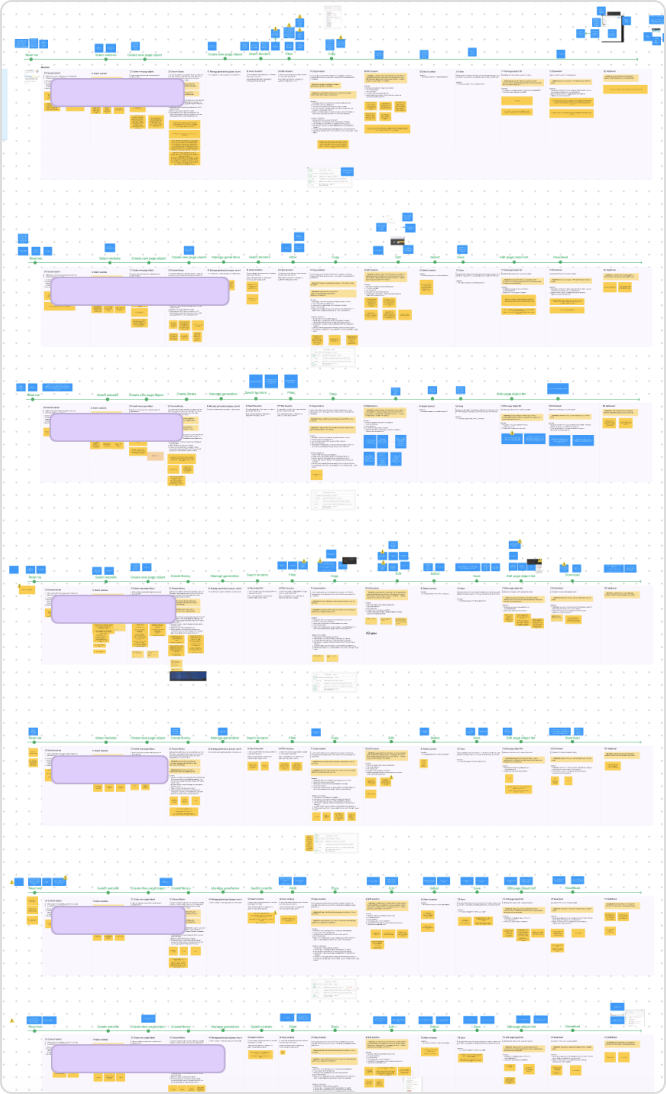
I gathered feedback through testing sessions and performed an analysis of the results to identify any issues. This iterative process allowed me to make necessary enhancements and continually improve the product.
For example:
- Users had trouble finding an action button hidden in an additional dropdown menu
- I moved it to the main screen as a shortcut
- Page object creation time dropped by ~30%, and users found it easier to use
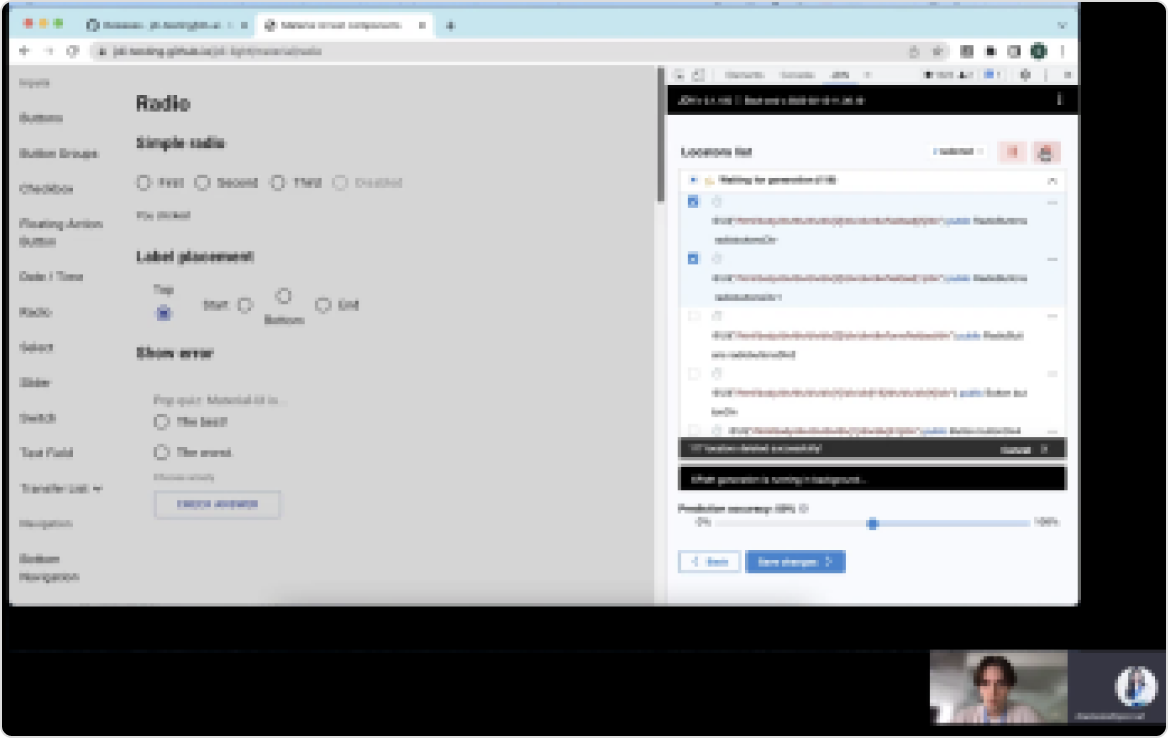
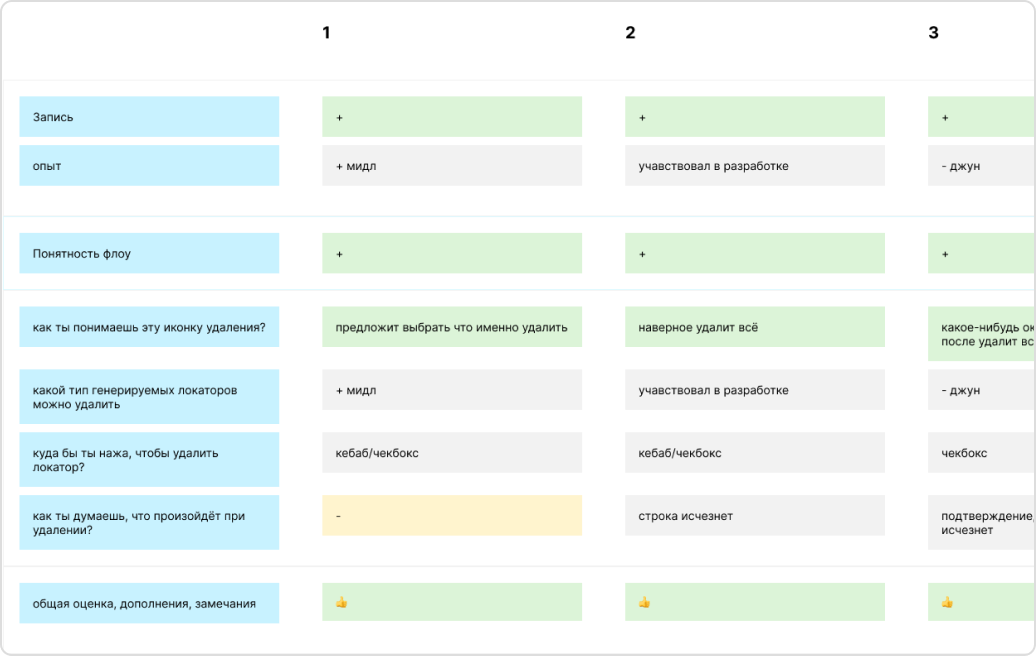
Part of interviews
Furthermore:
- Designed and prototyped numerous screens based on the insights gained from testing, making necessary adjustments and enhancements to provide a visual representation of the user experience
- Collaborated closely with the development team to implement new features and improvements
- Ensured that the project remained up-to-date and met the evolving needs of the users
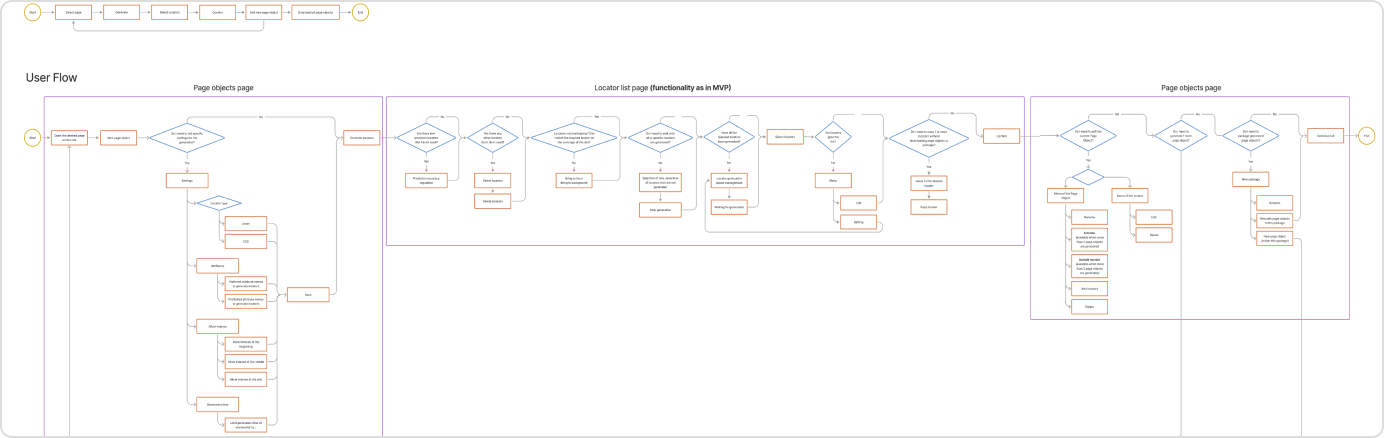
Key UX Decisions
- Reduced clicks from 7 to 3 for the main task
- Grouped key actions into a floating UI panel
- Used inline hints and consistent element highlighting
- Added a copy/export feature with clear instructions
Results
- During the course of the project, the plugin was successfully released in the Chrome Web Store, making it available to users
- Improvement in the UX and UI, addressing pain points, and implementing new features according to user expectations
- Time to create a page object reduced by ~60% (measured in internal QA testing)
- Quick adoption: Rapid growth to 100 users in the first months, proving high demand.